Installing Bennett on WSL (Ubuntu 24.04)
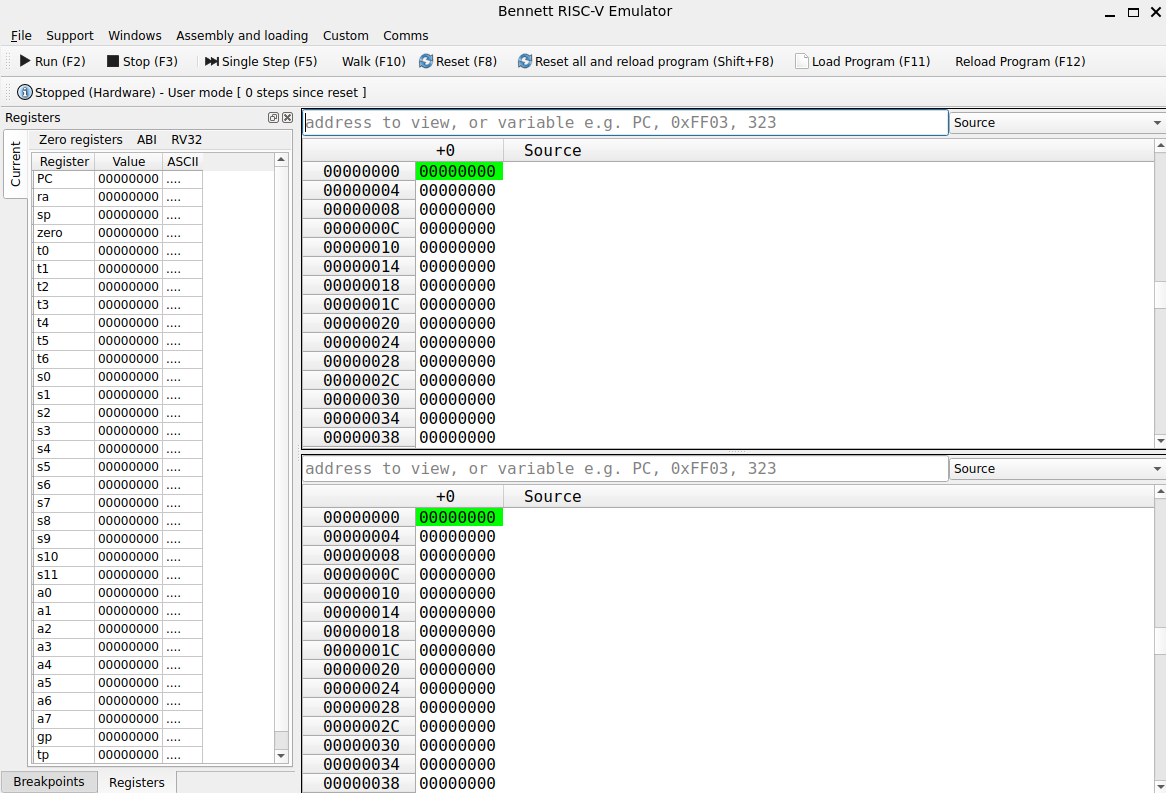
Bennett is software developed by the Department of Computer Science at the University of Manchester to give students an introduction to the Fundamentals of Computer Architecture.
For additional information, please refer to University of Manchester wiki.
This guide will help you install it on the Windows Subsystem for Linux (WSL). The guide is for Ubuntu 24.04 (Nobel) running on WSL which can be installed by running the following command in your powershell: wsl --install -d Ubuntu-24.04, please contact me at hello@arkb.me if there’s any issues.
Step 1: Update /etc/apt/sources.list
1
2
3
4
5
6
7
8
sudo cp /etc/apt/sources.list /etc/apt/sources.list.bak
sudo mv /etc/apt/sources.list.d/ubuntu.sources /etc/apt/sources.list.d/ubuntu.sources.bak
sudo tee /etc/apt/sources.list <<'EOF'
deb http://archive.ubuntu.com/ubuntu noble main restricted universe multiverse
deb http://archive.ubuntu.com/ubuntu noble-updates main restricted universe multiverse
deb http://archive.ubuntu.com/ubuntu noble-backports main restricted universe multiverse
deb http://archive.ubuntu.com/ubuntu noble-security main restricted universe multiverse
EOF
Step 2: Refresh APT
1
sudo apt update
Step 3: Install Dependencies
Enter ‘y’ in case you get a prompt
1
sudo apt install libqt6core6t64 libqt6gui6t64 libqt6widgets6t64 libqt6qml6 libqt6webenginewidgets6 libqt6serialport6
Step 4: Download Bennett Package
You can download using your browser or use the following command:
1
wget https://wiki.cs.manchester.ac.uk/engineering/images/c/c0/Bennett_1.2.16_x86_64_noble.deb
Note: This installation package is for AMD64/x86-64 architecture, which includes most AMD and Intel processors. If your device is using an ARM-based processor, use the other links on the University of Manchester’s wiki.
Step 5: Install Bennett using APT
Make sure you’re on the same directory as the Bennett file you downloaded
1
sudo apt install ./Bennett_1.2.16_x86_64_noble.deb
Step 6: Run Bennett
Run the following command to run bennett:
1
/opt/bennett/bin/start_bennett_151